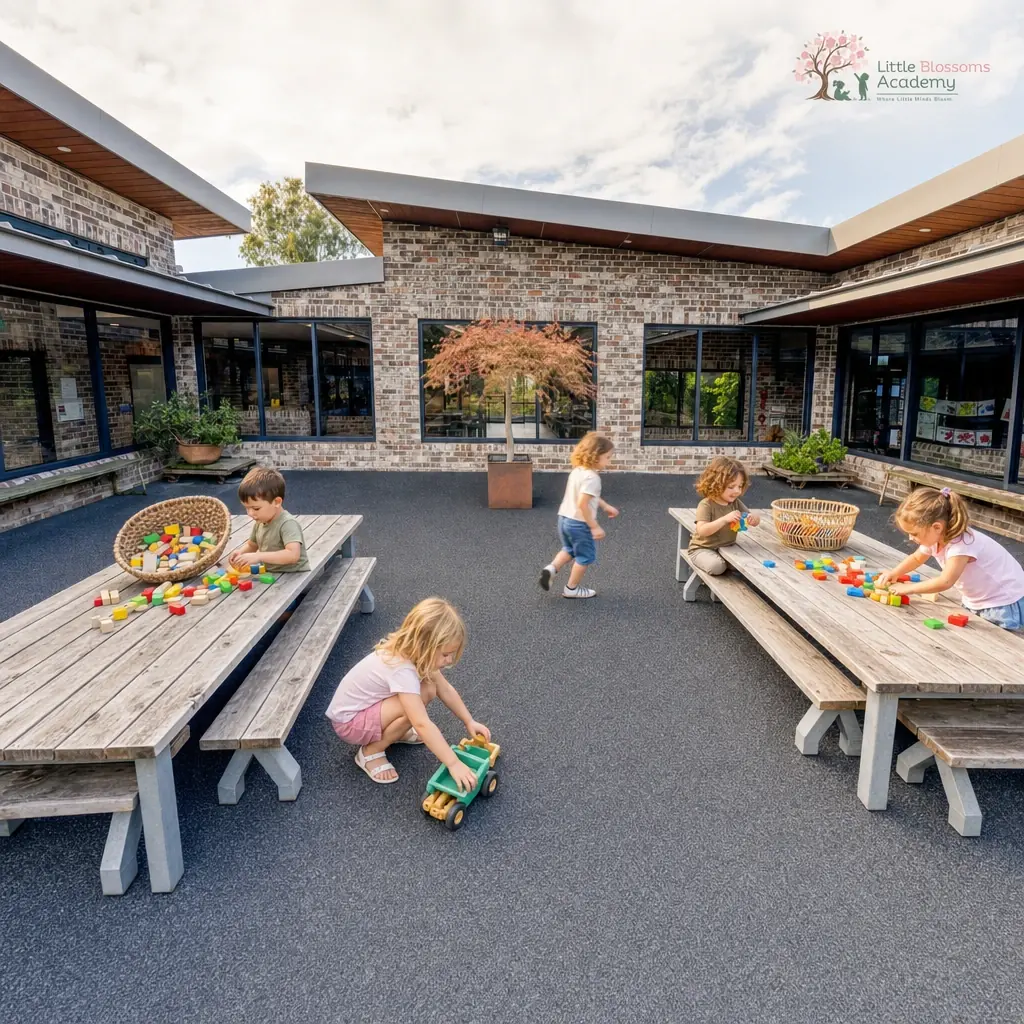
Teachers take hours to edit images
Every photo with a face in it means someone stops teaching to drag a sticker over each child by hand. It never gets faster.
Tickaboo is the photo studio built for Australian centres and schools: clear any photo in seconds, then post like a centre that has its act together.
No card. Five free image edits, a free brand kit, and face blurring free forever.
Four things trip up every centre and school: editing hours, a quiet feed, a tired website and endless permission chasing.
See how Tickaboo solves themEvery photo with a face in it means someone stops teaching to drag a sticker over each child by hand. It never gets faster.
Nobody hired you to be a designer. The feed stalls, the posts look unlike each other, and the centre down the road looks busier than it is.
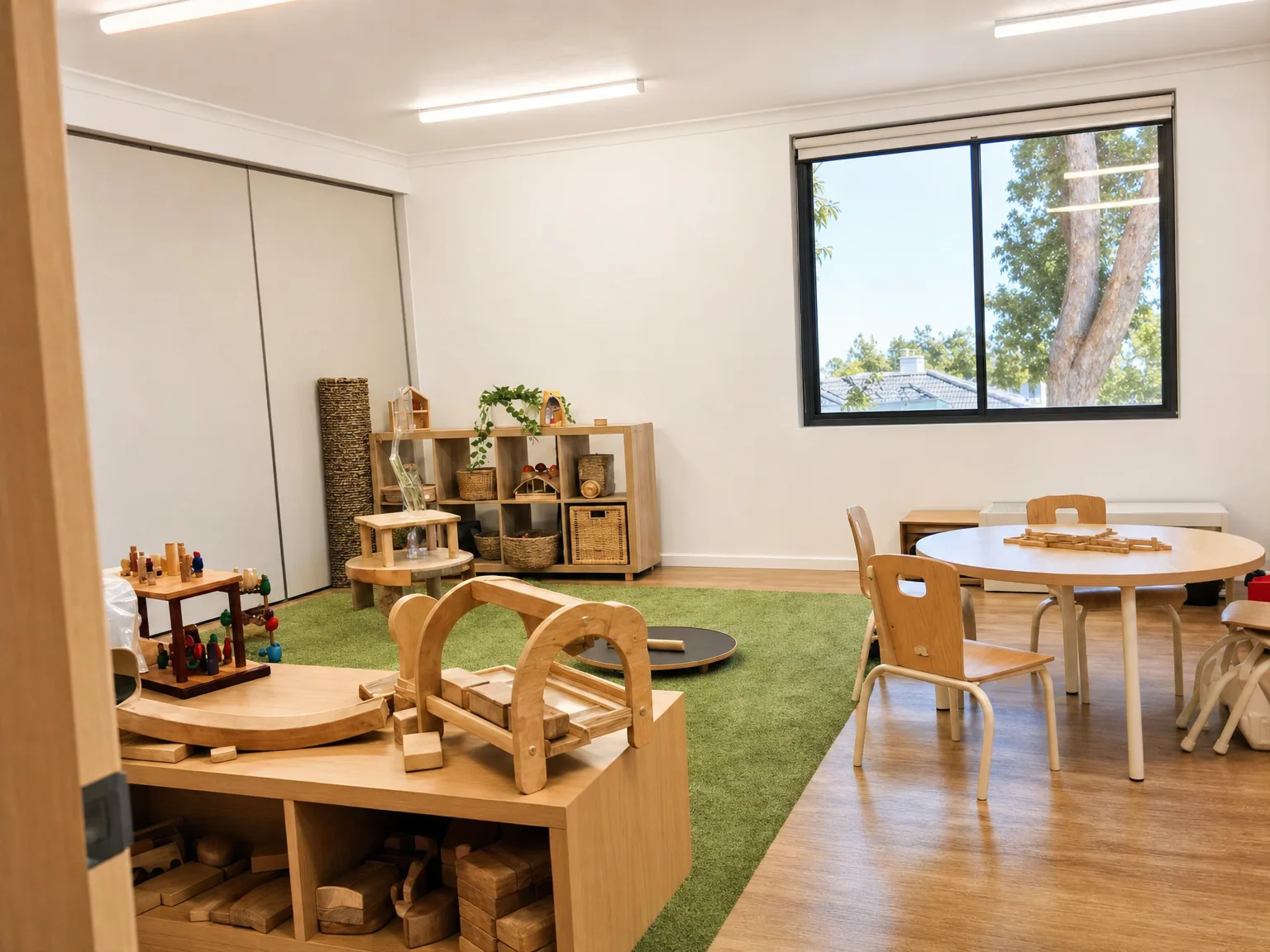
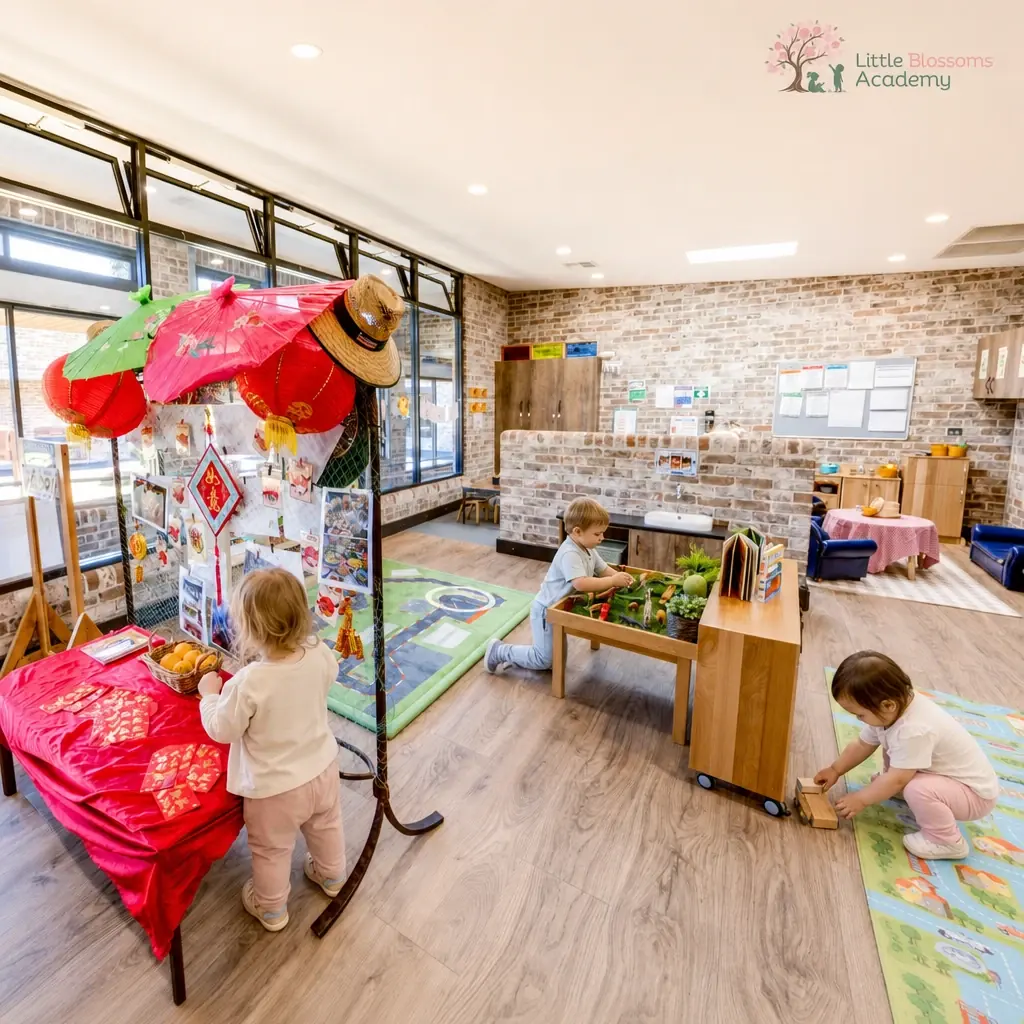
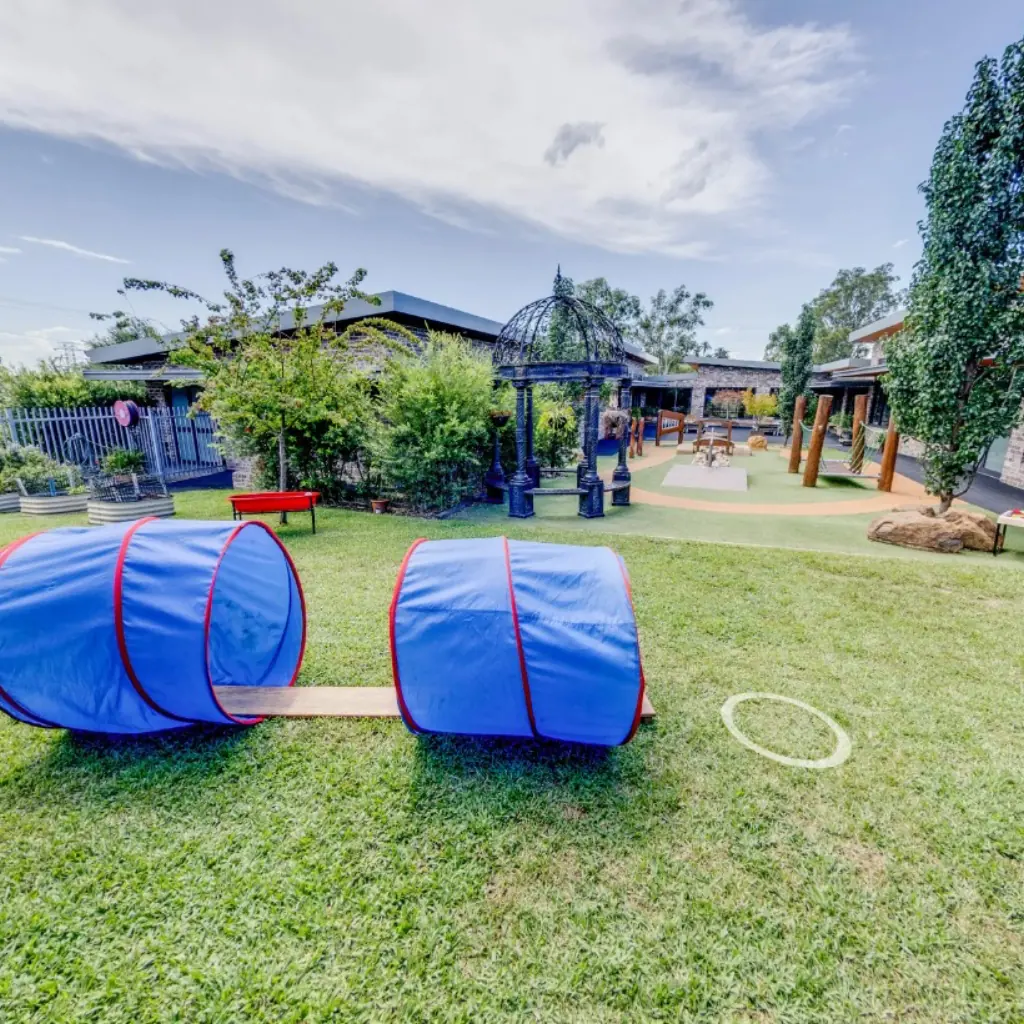
A half-day shoot costs most centres four to nine hundred dollars, once, and you still cannot post half of it. The rooms on the website stay empty.
Permission slips live in a folder, an email, a Facebook message and somebody's memory. When a family changes their mind, you have no fast way to know which photos are affected.
Photo studio
What should change?
Choose a change
Anything else?
Saved prompts
Output
Social, Match photo (recommended)
Make the change (1 credit)157 credits left, refunded automatically if it fails.
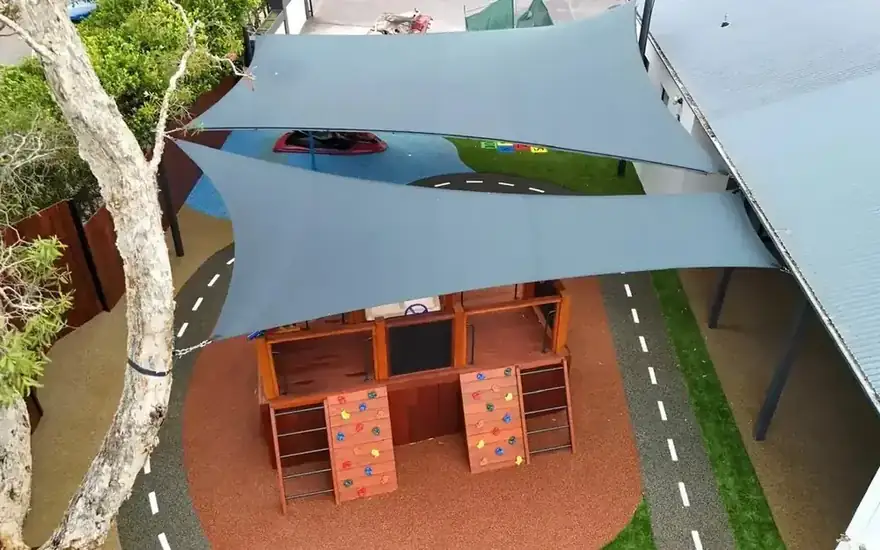
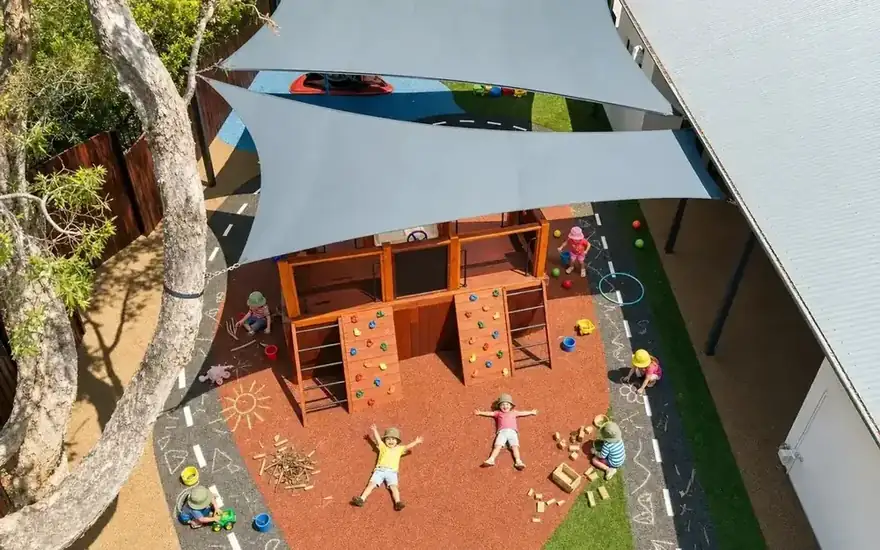
Upload the photo you actually took. Approve the result. The original is deleted when the job finishes.
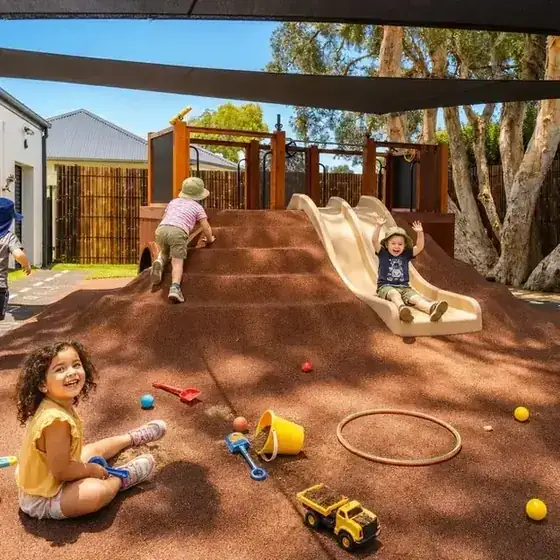
$150+
What a designer typically charges for one social post.
Tickaboo: seconds, on your brand.
$1,000+
Typical agency price for a brand kit.
Tickaboo: free when you sign up.
$400 to $900
A typical half-day photo shoot.
Tickaboo: enhance any phone photo.
And the hours your team spends cropping, blurring and chasing permissions every week.
No card. Free forever, not a trial. The photo consent templates are free too, and they do not need an account at all.
You pay for images, not buildings. Plans run from free to $399 a month in Australian dollars, and unlimited face blurring is free on every one of them. A single half-day photography session costs most centres between $400 and $900, once, and gives you photos you still cannot post.
One centre, posting regularly
$49$24.50first month, then $49 a month
Start freeOne site, a few people sharing the work
$99$49.50first month, then $99 a month
Start freeMost popular
Groups and busy sites
$149$74.50first month, then $149 a month
Start freeLarge groups, every site
$399$199.50first month, then $399 a month
Start free| Lite | Starter | Growth | Scale | |
|---|---|---|---|---|
| What you get | ||||
| Centres | 1 | 1 | Unlimited | Unlimited |
| Users | 1 | 3 | 10 | Unlimited |
| Credits a month | 50 | 125 | 250 | 800 |
| Saved photos | 2,000 | 5,000 | 20,000 | 50,000 |
| Every plan includes | ||||
| Face blurring, free forever | ||||
| Bulk photo editing | ||||
| Branded social posts | ||||
| Brand kit | ||||
| Website imagery | ||||
| Photo enhance | ||||
| Coming soon | ||||
| Consent register with face matching Soon | – | – | – | – |
No lock-in contract, cancel any time, and your free brand kit is yours to keep either way.
The original is deleted once processing finishes. Only the cleared version is kept, and only the cleared version can be exported or downloaded. The risky file does not sit in a shared album waiting to be found.
Your photos, register and account data are stored in Australia, in the Sydney region. When an image is transformed, it goes to our AI model provider for that single job only, under terms that forbid training and require short retention. Every provider is checked before it is switched on. Your images are never used to train a model.
Yes. Tickaboo is not there to stop you posting children, it is there so you always know where you stand. Where every child in a photo has current consent, you can post it and the register records that decision. Where one child does not, you clear that child and post the rest.
The enhance tools work on your real photos: light, colour and sharpness, not invented rooms. Where Tickaboo generates an image rather than editing one, the image carries an AI disclosure on export, because a family who later works out a photo was generated should have known first.
Plans are Free, then Lite at $49, Starter at $99, Growth at $149 and Scale at $399 a month in Australian dollars. Credits cover AI image generation, and face blurring is free forever on every plan. Growth and Scale include unlimited centres. There is no lock-in contract.
No, and you should be suspicious of any software that claims it does. Compliance is what your centre does. Tickaboo covers the image lifecycle: it helps you meet your obligations around photos and consent, and it keeps a record of every clearing decision. The device possession rules under the National Law stay with you.
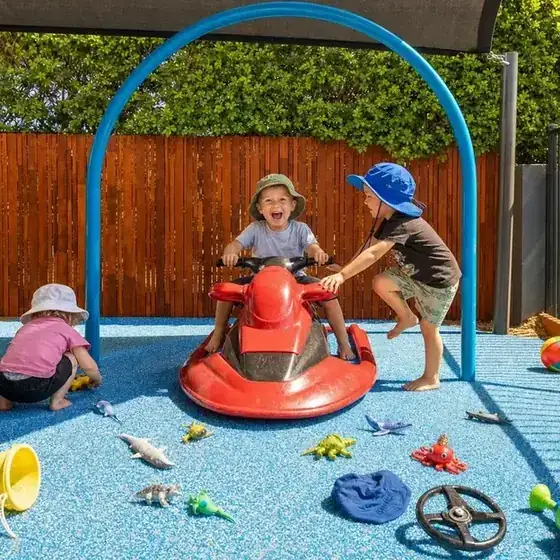


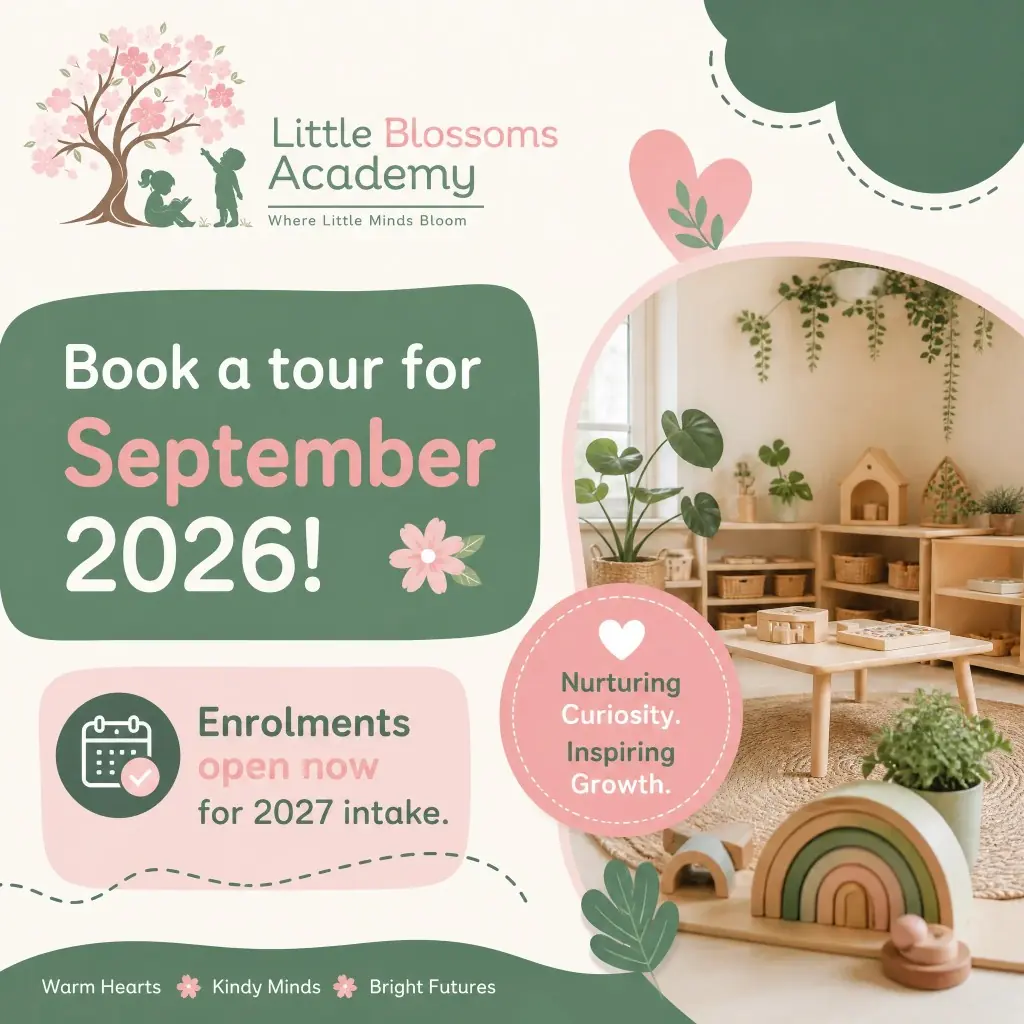
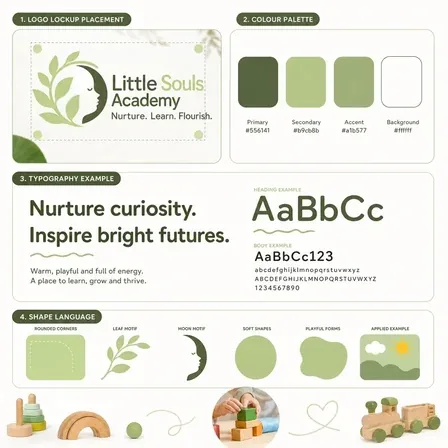
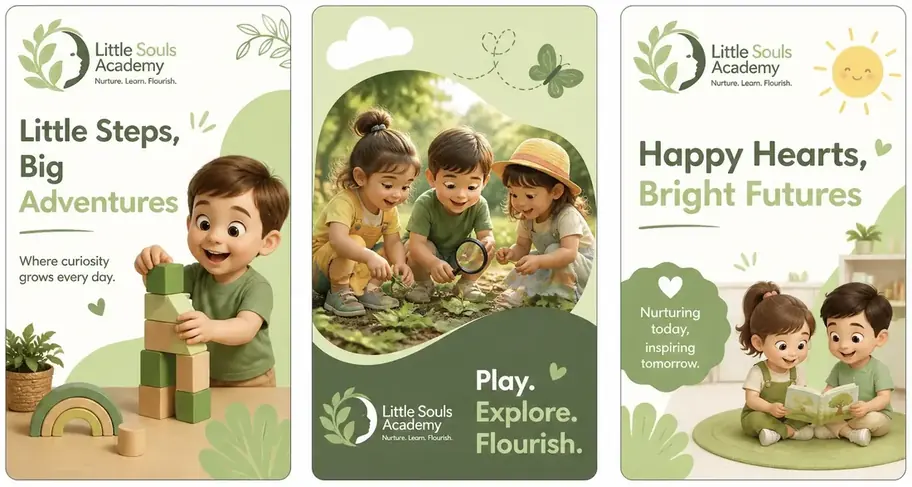
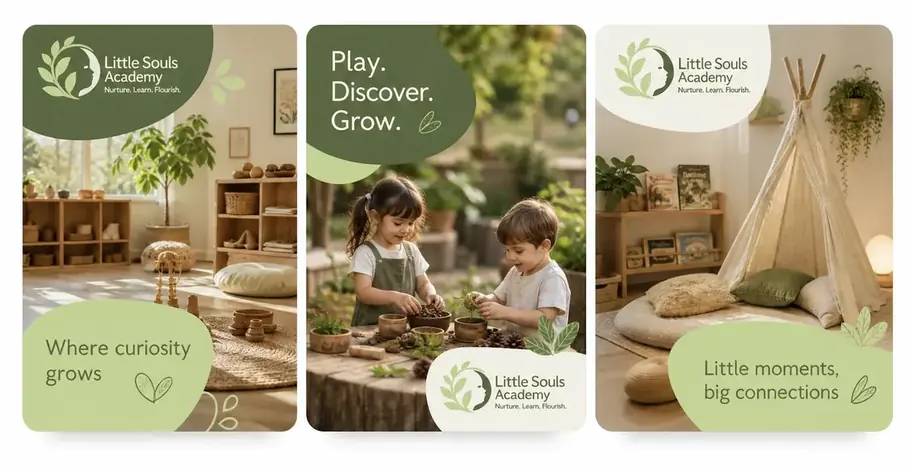
Then create an entire month of social media posts in five minutes, already in your colours.
Pick the occasions. Tickaboo writes, designs and illustrates the posts in your colours, fonts and logo.
See what is in each plan
blossomsacademy
Blossoms AcademyGold Coast early learning
Posts
blossomsacademy
blossomsacademy Enrolments are open for our 2027 intake. Come walk the rooms, meet the team, and take home a free hat, drink bottle and bag when you tour. Tuesdays and Thursdays. Link in bio.